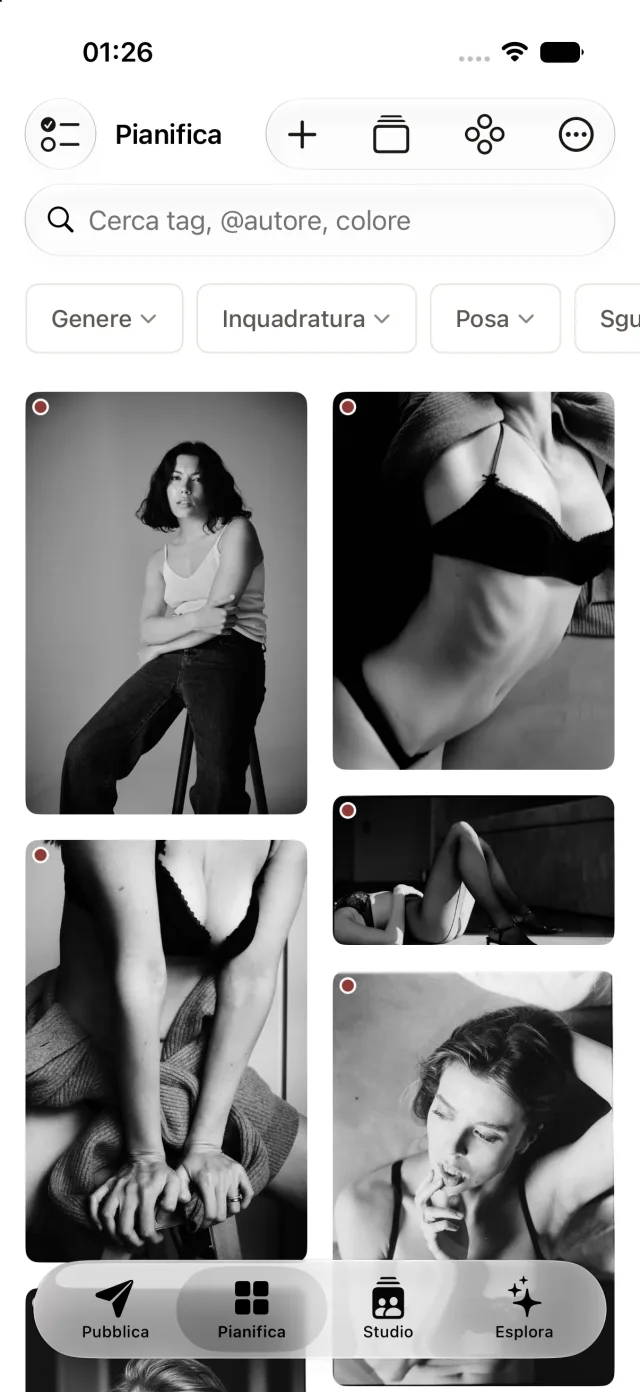
No. 01 — Collect
A library that organizes itself.
Import from your camera roll, files, or the share sheet. The AI runs only on your iPhone: it removes the social media interface from screenshots and suggests tags.
- Automatic cropping: the social media interface disappears, leaving only the photo
- Tags for pose, lighting, gaze, grading, and color palette
- Search by style, explore similar photos, filter by category
- Automatic grouping by theme—no manual tagging required
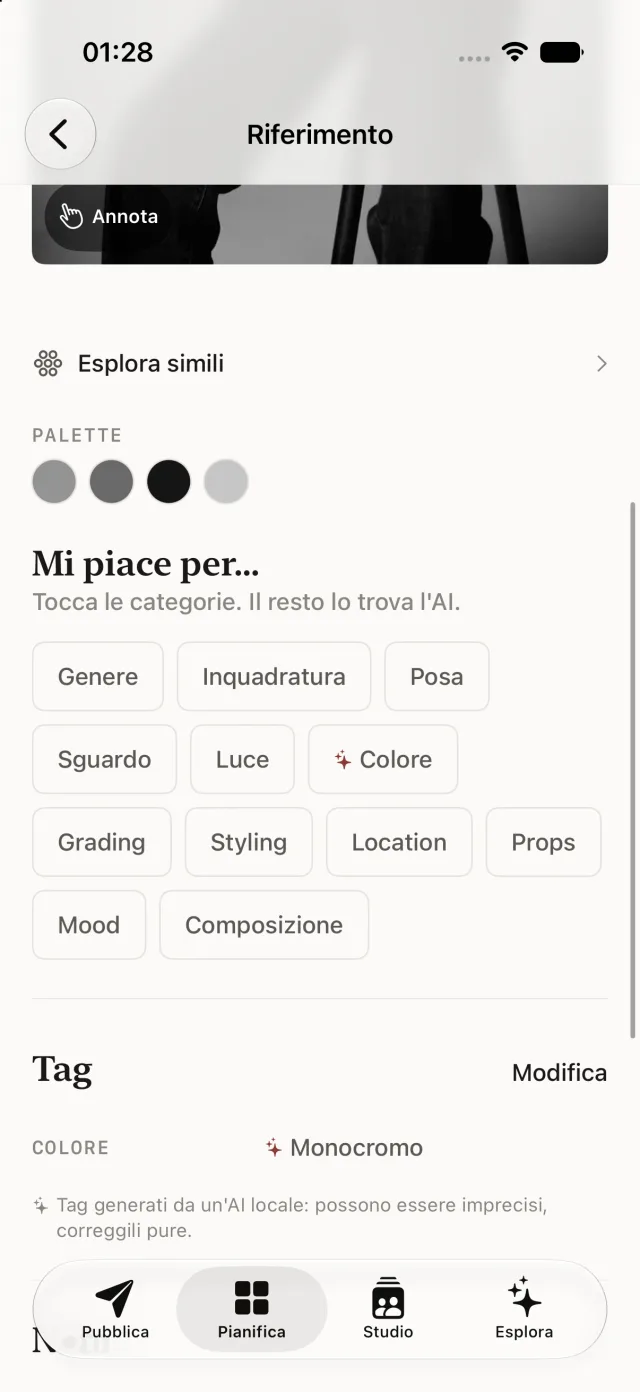
No. 02 — Organize
Sectioned mood boards, just as you’d arrange them on paper.
Beauty, hairstyle, location, poses: divide the board into sections based on the shoot, drag photos from one section to another, export a laid-out PDF with your notes.
- Free-form sections, drag & drop between groups
- Annotations: arrows and notes on the photo
- PDF ready to send, with or without notes
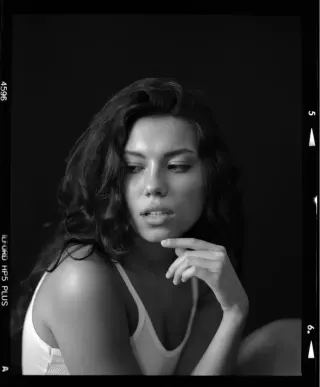
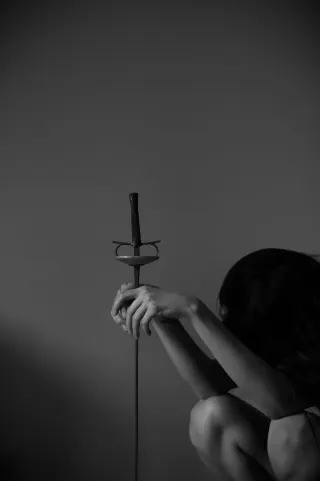
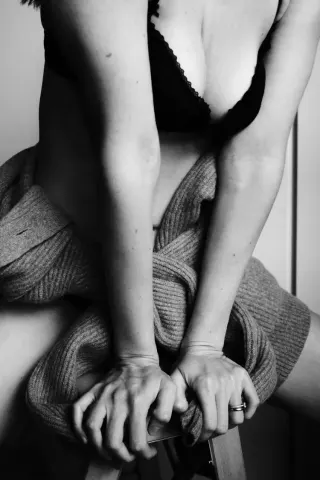
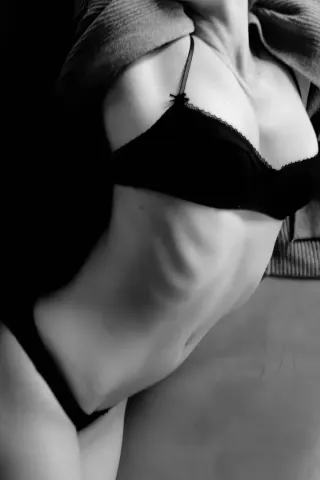
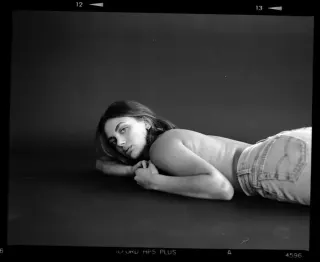
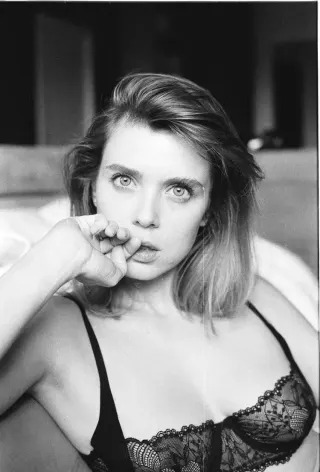
No. 03 — Share
A private gallery, with a PIN and expiration date.
Publish the board as a web page: private link, four-digit PIN, expiration date of your choice. Recipients can like the photos, but only you can see the counts.
- PIN and expiration date: no access without both
- Visitor votes, to choose together with the client
- When the expiration date is reached, it shuts down and deletes itself
No. 04 — On set
The reference image in front of you while you take photos.
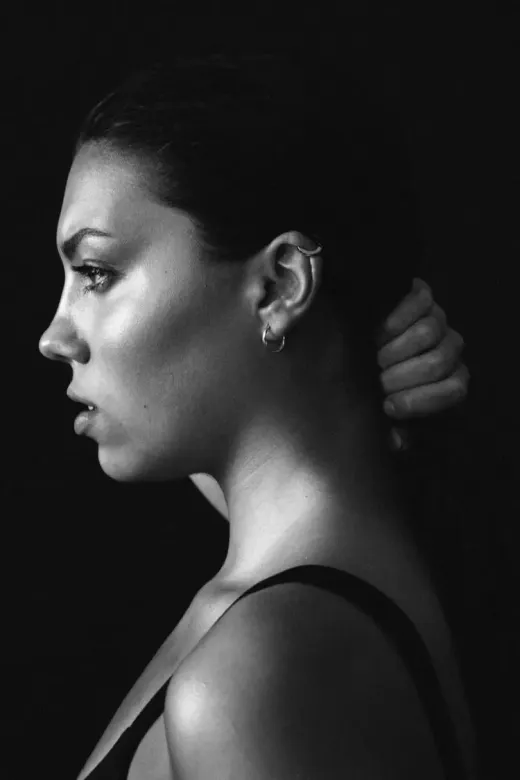
On-Set Mode: one photo at a time, full screen on a black background, with the screen staying on. Mirror the image, and whoever's posing sees themselves as in a mirror.
- Swipe through the references in the order they appear on the board
- The section name is always visible
- Shot list so you don’t forget any shots
No. 05 — Post
Censor with your finger, export to Instagram.
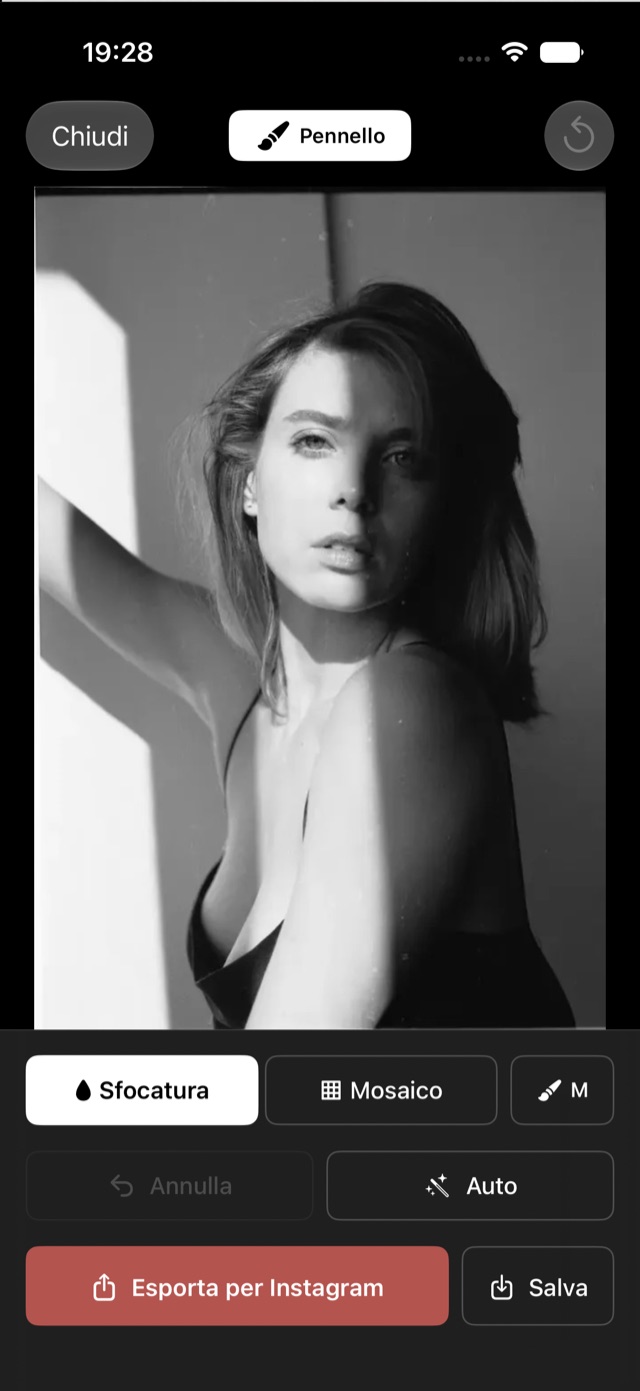
When a photo needs to be covered up before posting, blur or pixelate it by swiping your finger over it: pan and zoom are always active, and the preview is identical to the exported image.
- Blur or mosaic brush, pixel-precise
- Automatic suggestions for areas to cover
- Formats ready for posts and stories
No. 06 — Studio
Models, locations, and shoots, all in one section.
"Studio" is the set section: each shoot links the talent, the location, and the mood board. The next time you work with that person or at that location, everything is already there.
- Models: contact info, status, release form
- Locations: studios, outdoor locations, sets, with their photos
- Shoots: model, location, and board, linked together
The World of Obscura
Three ways of working, one library.
Publish
Set, frequency, pre-written captions, profile preview, and censorship.
Find out more →Plan
Rating, automatic clusters, sectioned boards, annotations, On-Set Mode, Explore.
Find out more →Studio
Models, locations, and shoots: the set directory, with release forms on display.
Find out more →Privacy
Your photos remain yours.
All processing happens entirely on your device: no photos are uploaded for tagging, no analytics, no ads. The only thing that leaves your iPhone is what you choose to publish in a gallery—on European servers, automatically deleted when the time limit expires. And when your library fills up, Obscura lets you know which photos it already has safely stored, so you can free up space on your camera roll without losing anything.
Read the privacy policy →How much does it cost
Free. The Pro version is for heavy sharers.
Free Forever
- Unlimited archive, AI, and tags
- Mood boards, sections, PDFs, shot lists
- On-Set Mode and censorship
- Up to 3 active galleries at once
€9.99 Obscura Pro — one-time payment, forever
- Unlimited active galleries
- No subscription, no renewal
- Also works on your next iPhone